Chromatic Consistency Foundation
Standardize the machine by performing a Full Calibration of the Inline Densitometer (ILD) using a glossy substrate, or the automatic spectrophotometer calibration (SPM). It is critical to validate these measurements with an external device (such as X-Rite 500) configured in Absolute mode with status 'G' (ILD) or 'T' (SPM). Permanent profile corrections must be resolved exclusively from the DFE, never by altering profiles directly on the press.
Spot Ink Anchoring (Pantone / IMS)
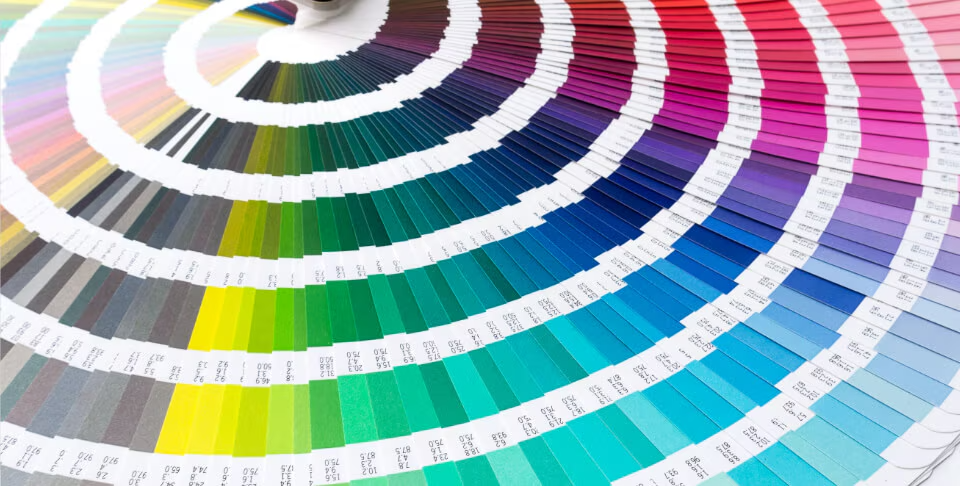
Take advantage of the press's CMYK/OVG emulations or IMS (Ink Mixing System) inks. When using IMS inks, remember that their Optical Density (OD) does not adjust automatically if the substrate type changes. For last-minute fine-tuning, modify the job's Lookup Tables (LUTs) first to control dot gain, rather than altering the optical density sliders.
Critical Configuration: High-Density White
To print a uniform and opaque white, comply with these guidelines:
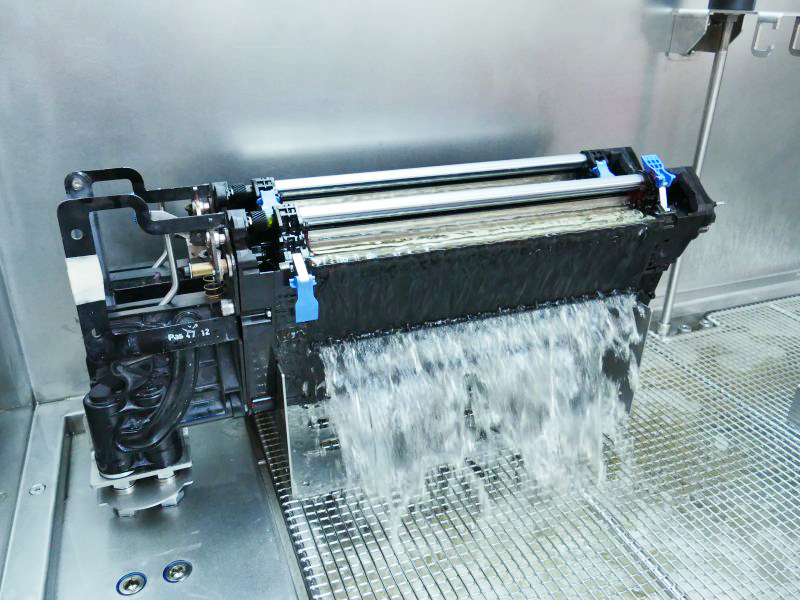
- BID Position: Always install the white ink developer unit in position 1 (closest to the ITM drum) to avoid cross-dripping and ensure a flow rate of 11 liters per minute.
- High Coverage (Double-Hit): If maximum opacity is required (200% coverage), enable the 'double-hit' option and select the 'High Coverage' style in the separations tab.
- Automated Parameters: This style will raise the blanket temperature to 110°C, adjust the EH feed fan to 7V, and add a null cycle in rotation, preventing cracks and ensuring a dense base layer perfect for overlaid colors.